Survey
How to Create a Survey :
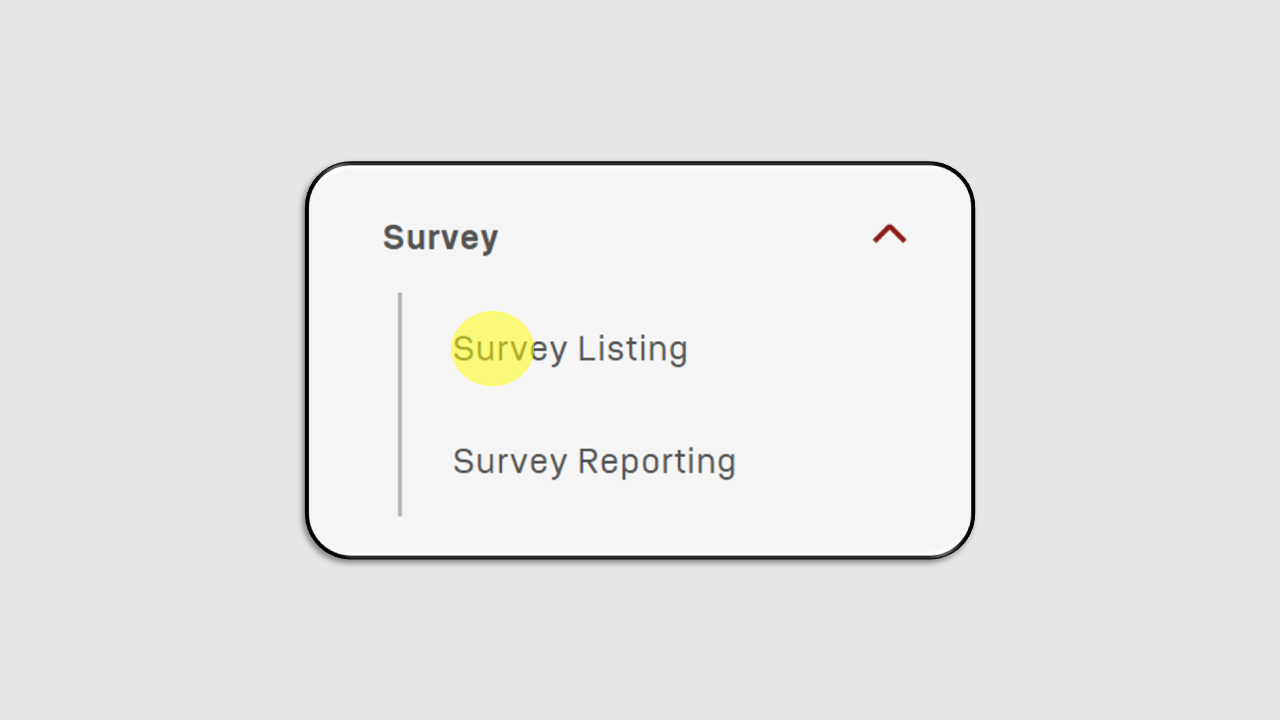
Click on the Survey Listing menu.
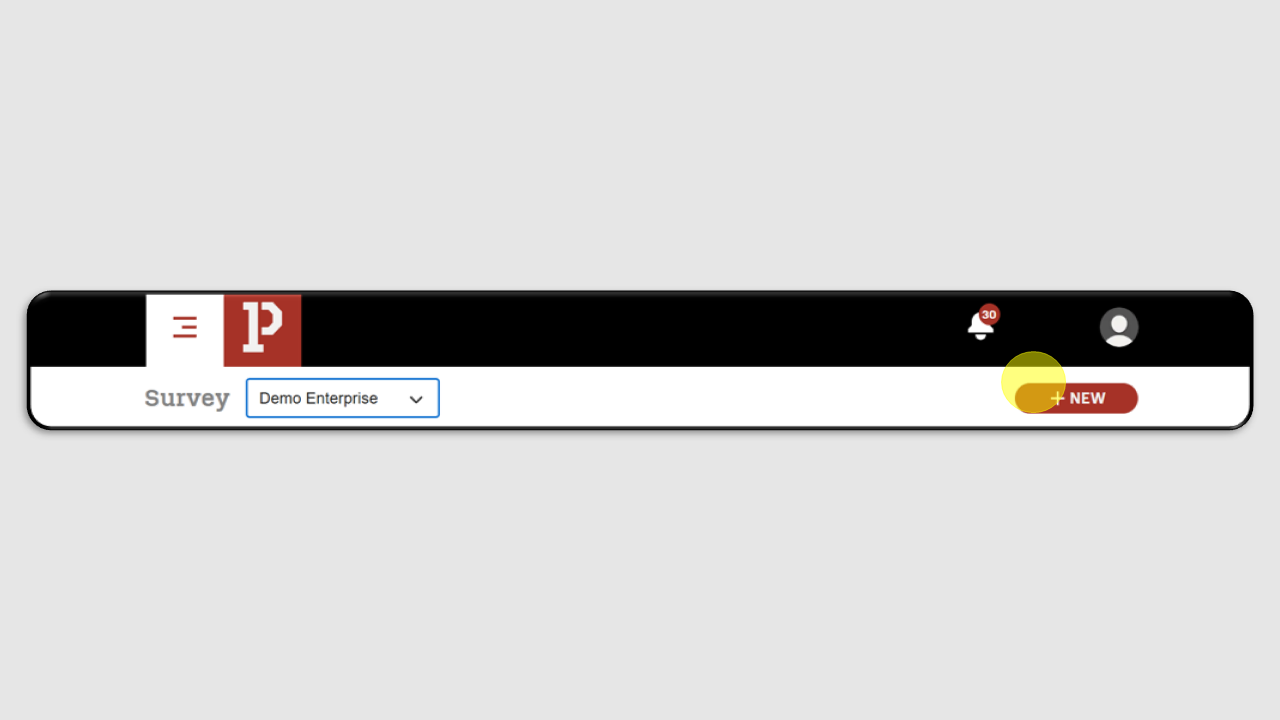
Click the +New button.
Fill in the Survey Name and Description fields, then click Next.
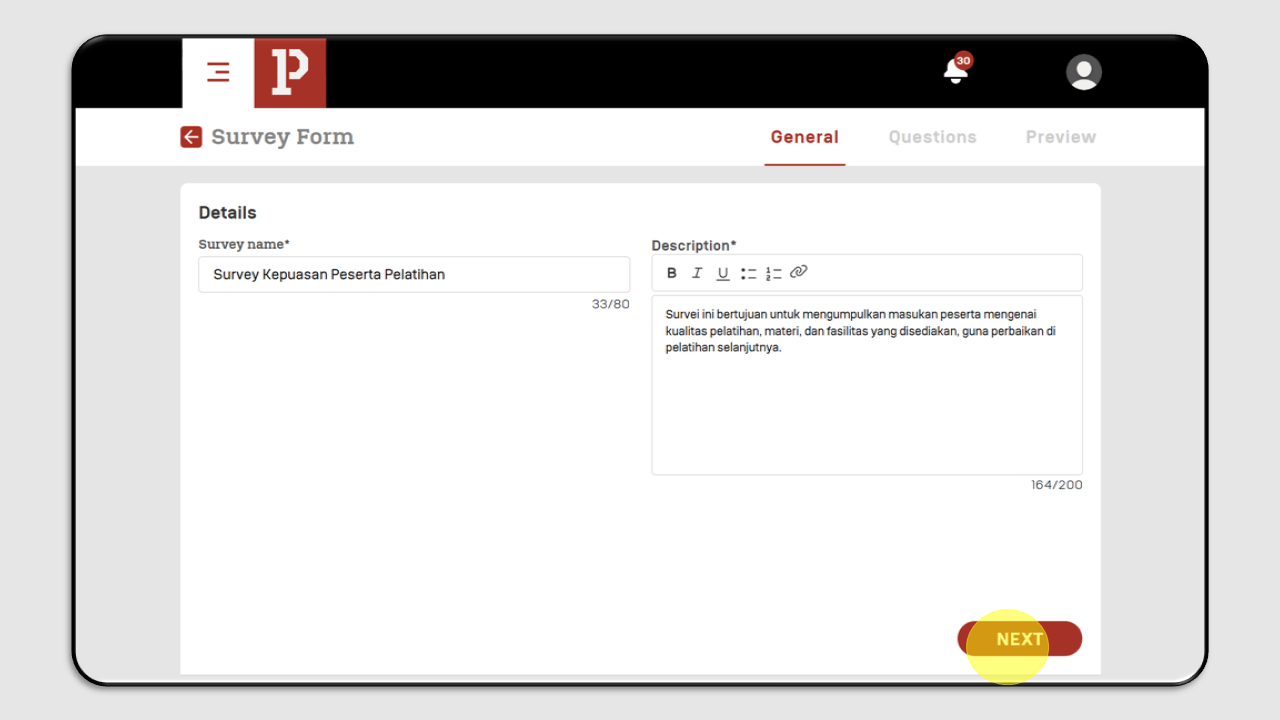
Click Next to proceed, and a new screen will appear as shown below :
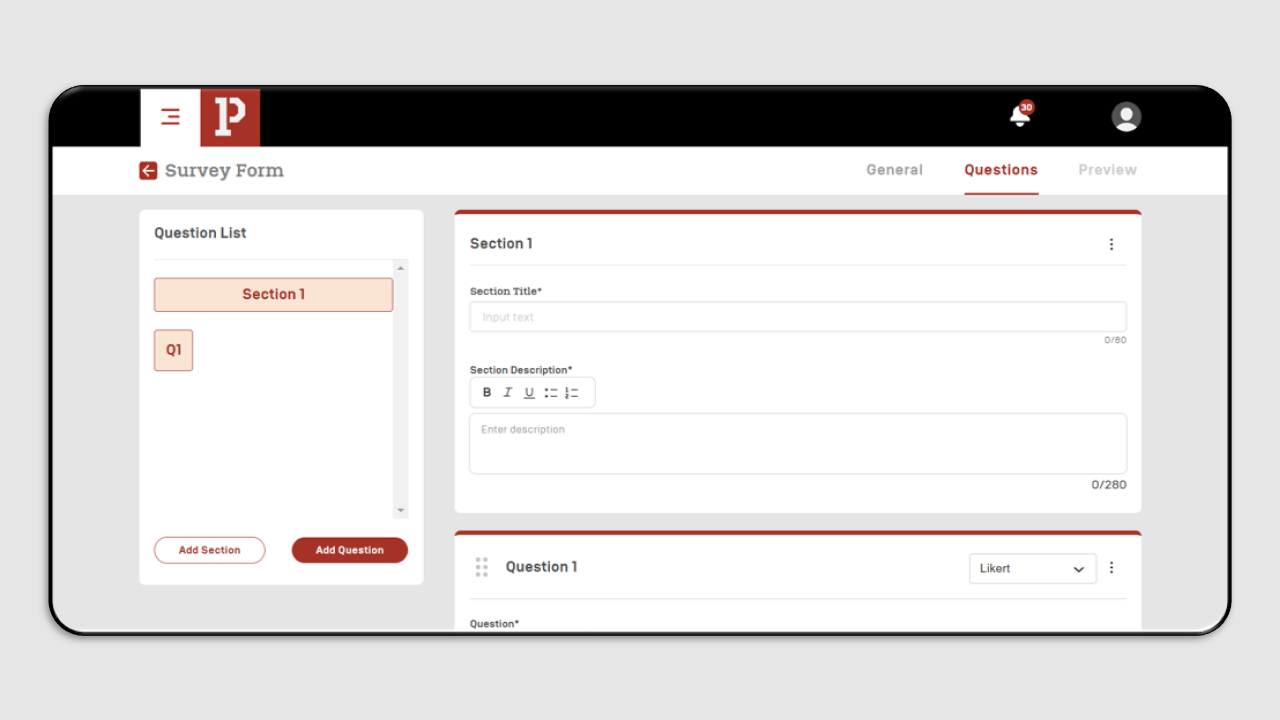
Fill the Title and Description section.
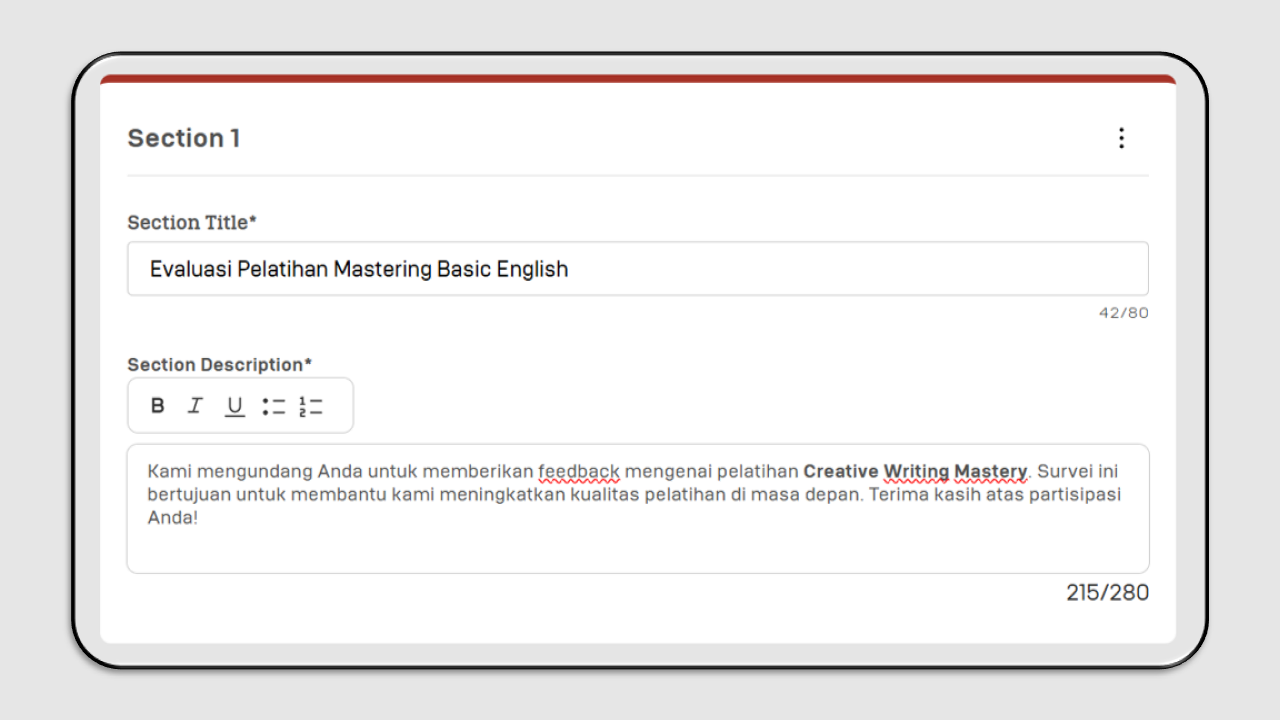
Add your survey questions.
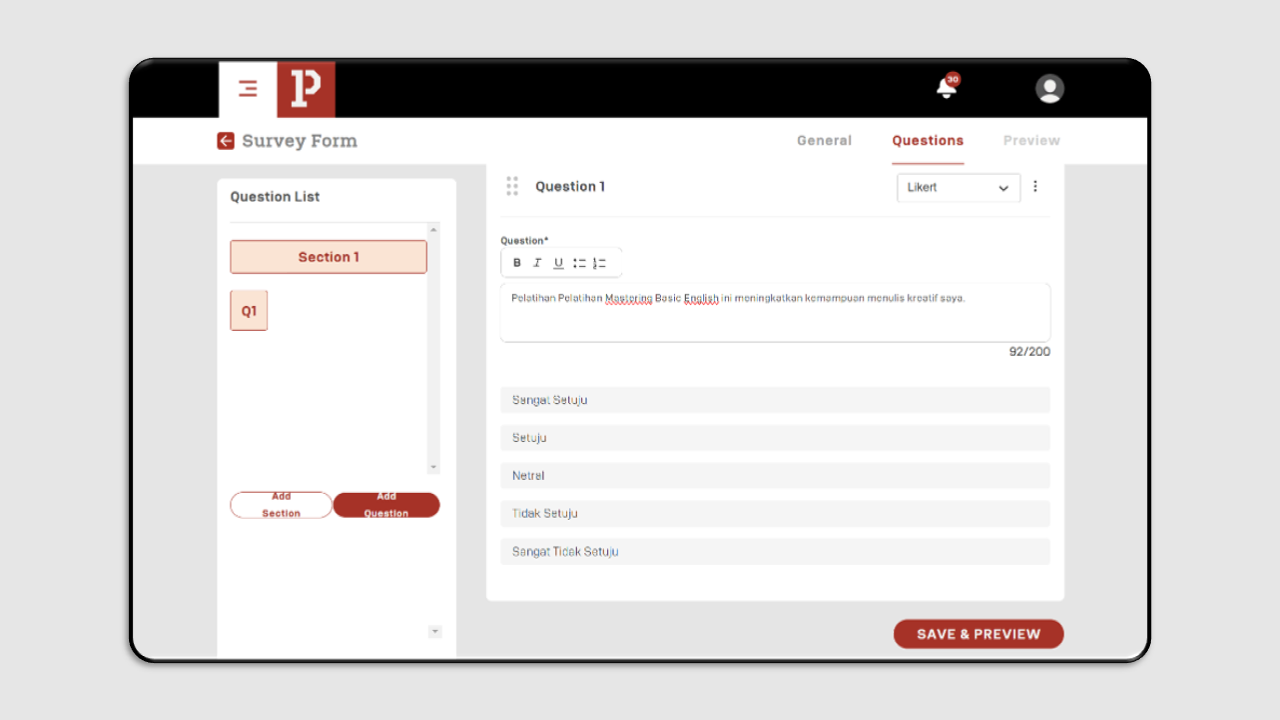
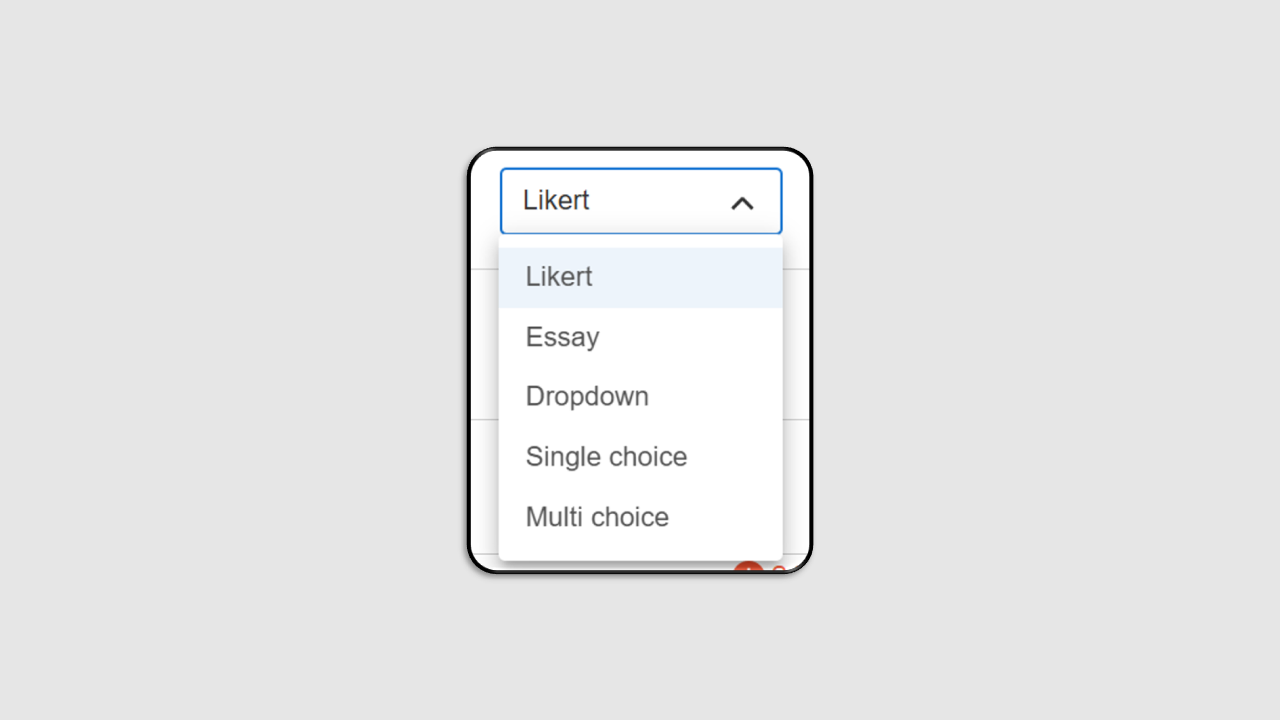
You can select the question type (Likert, Essay, Dropdown, Single Choice, or Multi Choice).
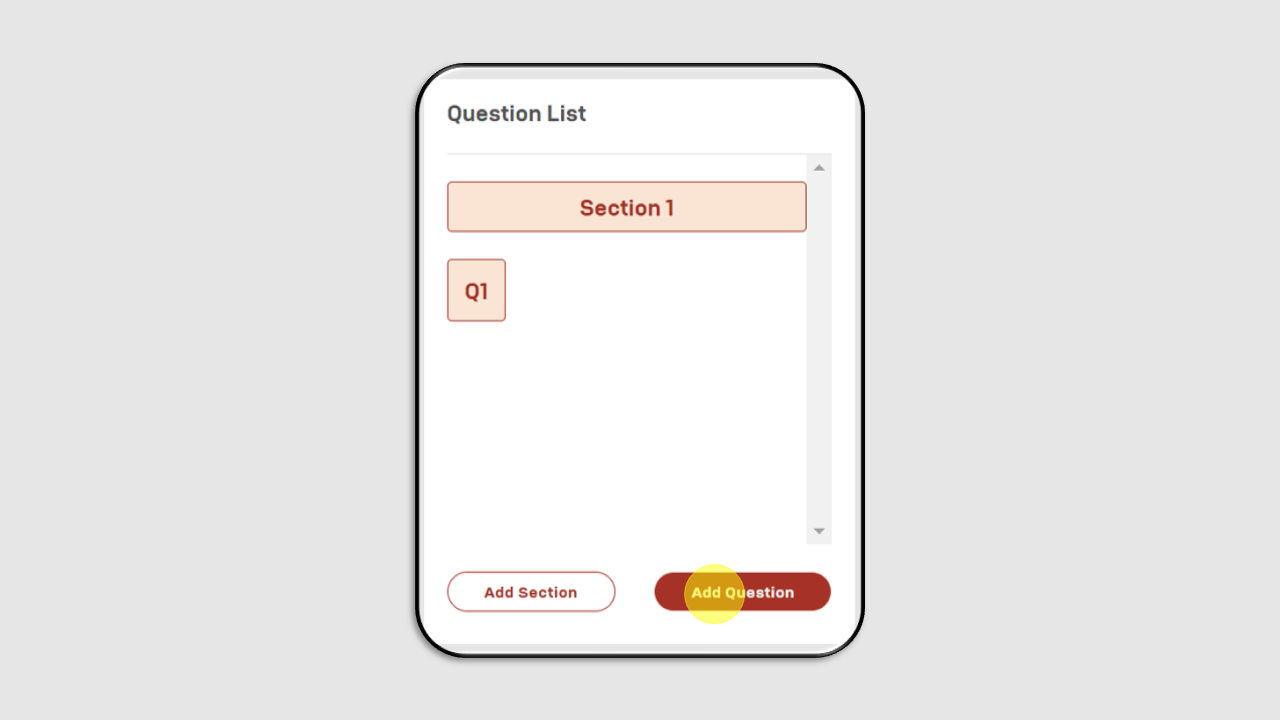
To add a new section, click the Add Section button or if you want to add more questions to a section, click Add Question.
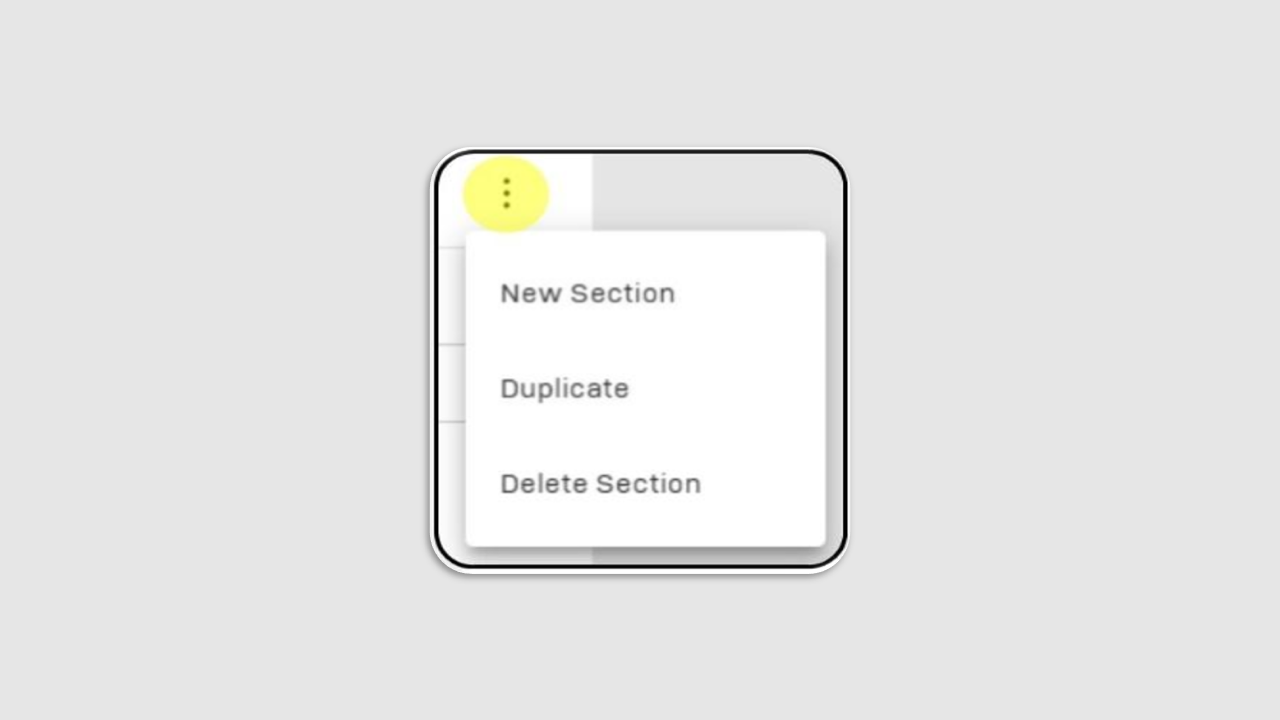
To duplicate or delete a section, click the three-dot button in the top-right corner of the section.
Once completed, click Save & Preview
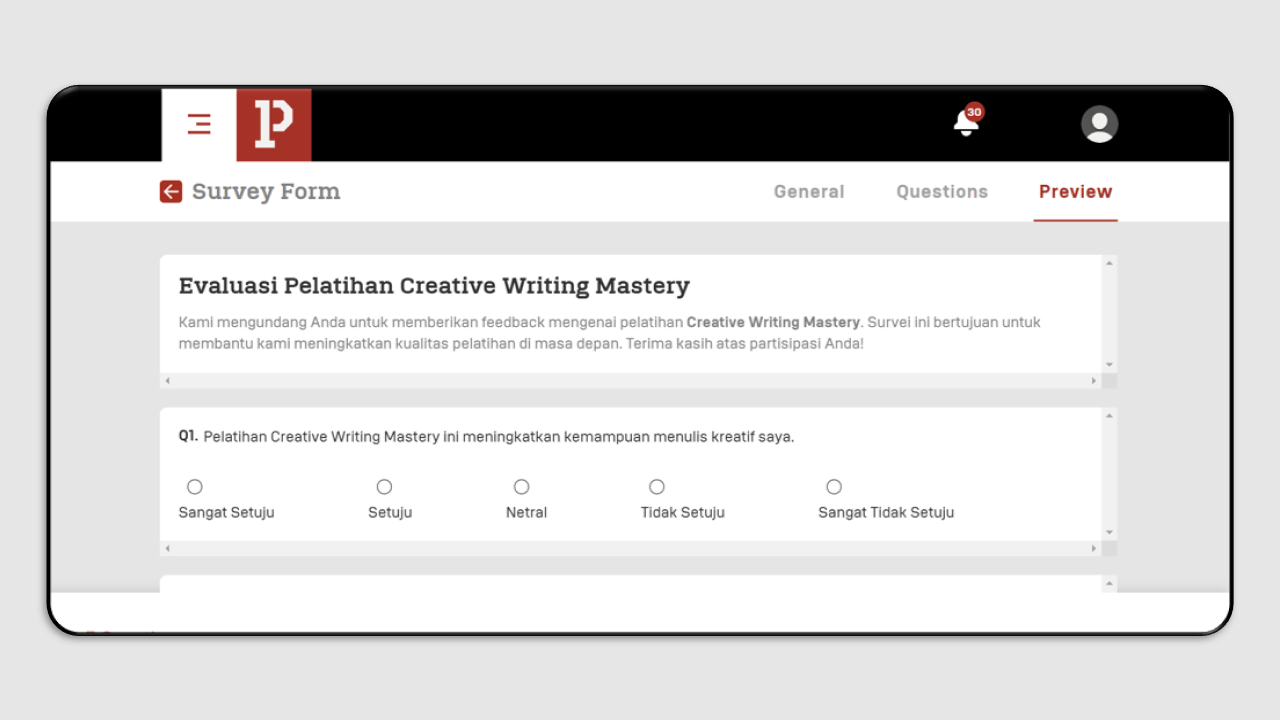
You can review the survey in Preview Mode